Restrict Access to Adult Content — Simple Setup
For many of us the hard part was never wanting to stop. It's the two taps it takes to start again. A filter you can clear yourself, from the same phone, at the same late hour, was never going to hold. So this guide does two things: block the sites, and remove the easy way back.
Quick answer
The most reliable way to block porn sites is to filter at the DNS level — the address-lookup every app and browser uses — and then lock that filter so it can't be switched off in a weak moment. Kahf Guard does both, free, in about two minutes.
What’s the fastest way to block porn sites?
Short answer
Filter at the source. Point your device's DNS lookup at a filtering resolver and harmful addresses stop resolving — in every browser and every app at once. One switch, not a setting you repeat app by app.
Every time a device opens a site it first asks a DNS resolver for the address. A content-filtering resolver refuses the harmful ones by category, so it catches new sites automatically instead of depending on a list someone keeps updating. The deeper version of this is the porn blocker that can’t be bypassed.
Why do most porn blockers fail?
Short answer
They break at one of three seams: browser-only reach, a DNS setting that can be cleared, or an app that can be uninstalled. A filter holds only when it covers the whole device and resists being switched off.
- Browser-only reach. An extension guards one browser. Open another, or an in-app feed, and the content walks straight in.
- A cleared setting. A plain DNS entry can be wiped in the same menu it was added — by anyone who knows where to look.
- A quiet uninstall. The app that's easiest to remove is the one that gets removed at the worst moment.
Why the old bookmarks-and-extension method fell short is the same reason a manual block list ages out — see why a DNS filter beats a block-list.
DNS filtering decides at the lookup — before the page ever starts to load.
Browser extension vs SafeSearch vs plain DNS vs a locked filter
| Capability | Browser extension | SafeSearch | Plain DNS | Kahf Guard |
|---|---|---|---|---|
| Works across every browser | ✗ | ✗ | ✓ | ✓ |
| Covers in-app content & ads | ✗ | ✗ | ✓ | ✓ |
| Whole home network at once | ✗ | ✗ | ~ router only | ✓ |
| Can't be cleared in settings | ✗ | ✗ | ✗ | ✓ |
| Uninstall protection | ✗ | ✗ | ✗ | ✓ |
| Free to start | ✓ | ✓ | ✓ | ✓ |
The first three reduce exposure. Only the last is built to hold when willpower dips — the moment that actually matters. More depth: how to block adult content with DNS.
Strong or Moderate: which filter level?
The tightest filtering, with the least chance of anything slipping through. Best for a child's device or a strict household.
A lighter touch for an adult who wants protection without over-blocking everyday sites. Still filters adult, scam and malicious content.
Set the level per device, so a child's phone can run Strong while a parent's runs Moderate — all from the same account.
How to block porn sites at the source (2 minutes)
- Install Kahf Guard. Get it from Google Play or the App Store on each device you want covered.
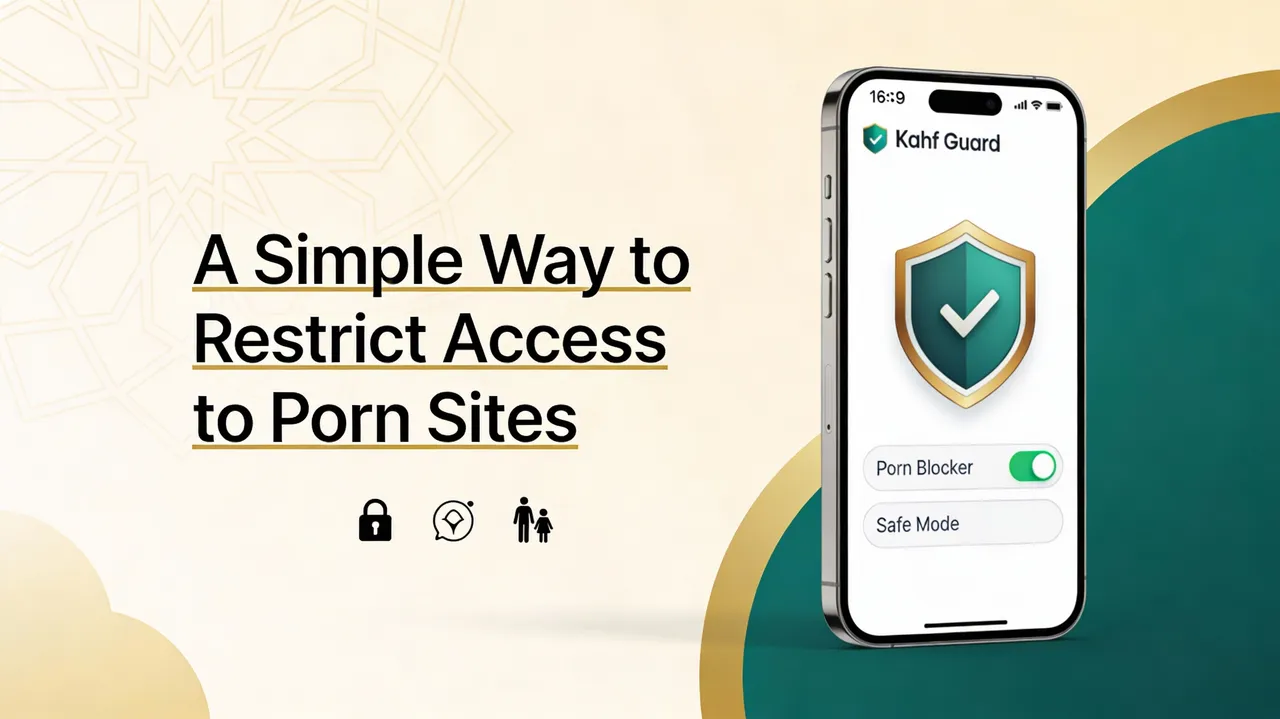
- Turn on Safe Internet Protection. Open the app, switch it on, and pick Strong or Moderate. Adult, gambling and malicious domains stop resolving across every app.
- Lock the filter. Enable uninstall protection and DNS-change protection so it can't be quietly switched off later. This is the step the old bookmarks-and-extension method never had.
- Cover the household. Add each family member's device and manage every filter from your own phone. Full walkthrough: Safe Internet setup guide.
What the filter refuses, by category — so coverage stays current on its own:
How to block porn on your home Wi-Fi (router)
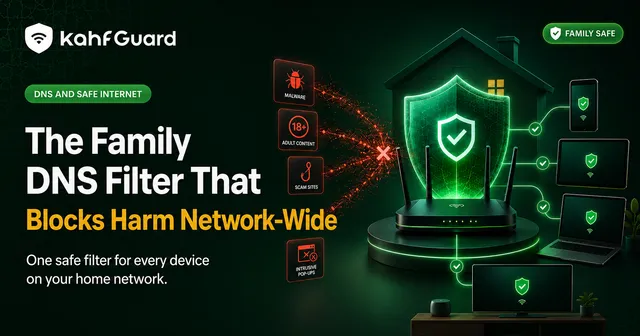
To cover every device at once — a child's tablet, a smart TV, a console — set the filter on the router instead of each device:
- Open your router admin panel (usually
192.168.0.1or192.168.1.1). - Find DNS / DHCP settings and replace the DNS servers with Kahf Guard's addresses (shown in the app under Settings → DNS Setup).
- Save and reboot the router. Every device on the Wi-Fi is now filtered. Router steps vary by model.
Guarding the gaze in a scrolling age
Lowering the gaze — ghaḍḍ al-baṣar — was never only about the eyes. It's about the state of the heart the eyes feed. A filter can't do that work for you, but it can remove the ambush: the stray ad, the autoplay, the "just one more." Set it once for yourself, and set it for the people at home who didn't ask for the exposure. Done for someone else's protection, it carries the weight of ṣadaqah jāriyah — a good that keeps giving. The reasoning behind a faith-first filter is in why an Islamic DNS is different.
Common questions
Is it free to block porn sites with Kahf Guard?
Yes. The core protection — harmful-site blocking, enforced Safe Search and ad filtering — is free, forever. Locking the filter against tampering and adding family devices are premium.
Will a browser extension block pornography everywhere?
No. An extension only works inside the one browser it's installed in. Adult content in other browsers, inside apps, and in in-app ads passes straight through. DNS-level filtering covers every browser and app at once.
Can porn blocking be bypassed?
Basic blockers can — by clearing a DNS setting, installing another browser, or uninstalling the app. A source-level filter with uninstall and DNS-change protection closes those routes so it holds in a weak moment.
Does DNS filtering slow down the internet?
Not meaningfully. DNS lookups are tiny and add negligible latency. Most people never notice a difference.
Can I block porn on my whole home Wi-Fi?
Yes. Set Kahf Guard's DNS on your router and every device on the network — phones, laptops, smart TVs, consoles — is covered without installing anything on each one.