Safe Internet for the Whole Family: No VPN Needed
Quick answer
A safe internet filters harmful content — adult sites, gambling, scams, malware, and endless doom-scrolling — at the DNS level, so it's blocked across every app and device before it loads. Kahf Guard does this for the whole household from one account, with no VPN and no per-app fiddling. The core filter is free.
Keeping a home’s internet safe usually turns into a game of whack-a-mole — a setting on one child’s phone, a different one on the tablet, nothing on the shared laptop, and the adults left out entirely. A safe-internet filter closes all of that in one move: it blocks harmful content at the source, on every device, for everyone in the house. Here’s what that means and how to set it up.
What makes an internet connection “safe” for a family?
Short answer
A safe connection is one where harmful content is filtered before anyone has to see it and choose to look away — across every device, not just the one you remembered to set up. The filtering happens at the source, so it covers apps and browsers alike, for a five-year-old and a grandparent equally.
The key shift is from policing to filtering. Watching over shoulders doesn’t scale to a household, and it puts the burden on the person least able to carry it in a weak moment. Filtering at the source removes the harm from the connection itself, so safety stops depending on anyone’s vigilance.
Why no VPN
Short answer
You don't need a VPN to make the internet safe. A VPN reroutes and hides all your traffic through a remote server, which slows things down and means trusting that server with everything your family does online. DNS-level filtering only checks the address lookup and refuses harmful ones — no rerouting, no slowdown, no third party reading your traffic.
For a family, that difference matters twice over: performance stays normal on every device, and you’re not handing a whole household’s browsing to an outside company. It’s safety by filtering, not by hiding. The DNS protection explainer covers exactly how that lookup filtering works.
One install, every device in the house
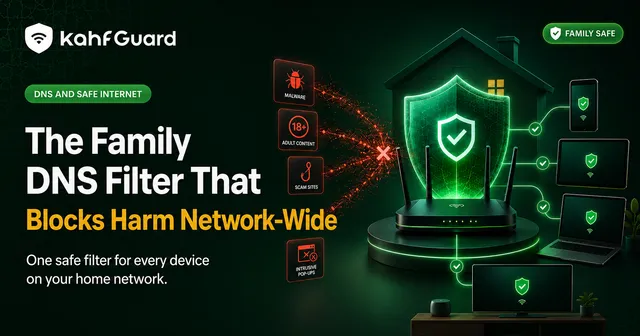
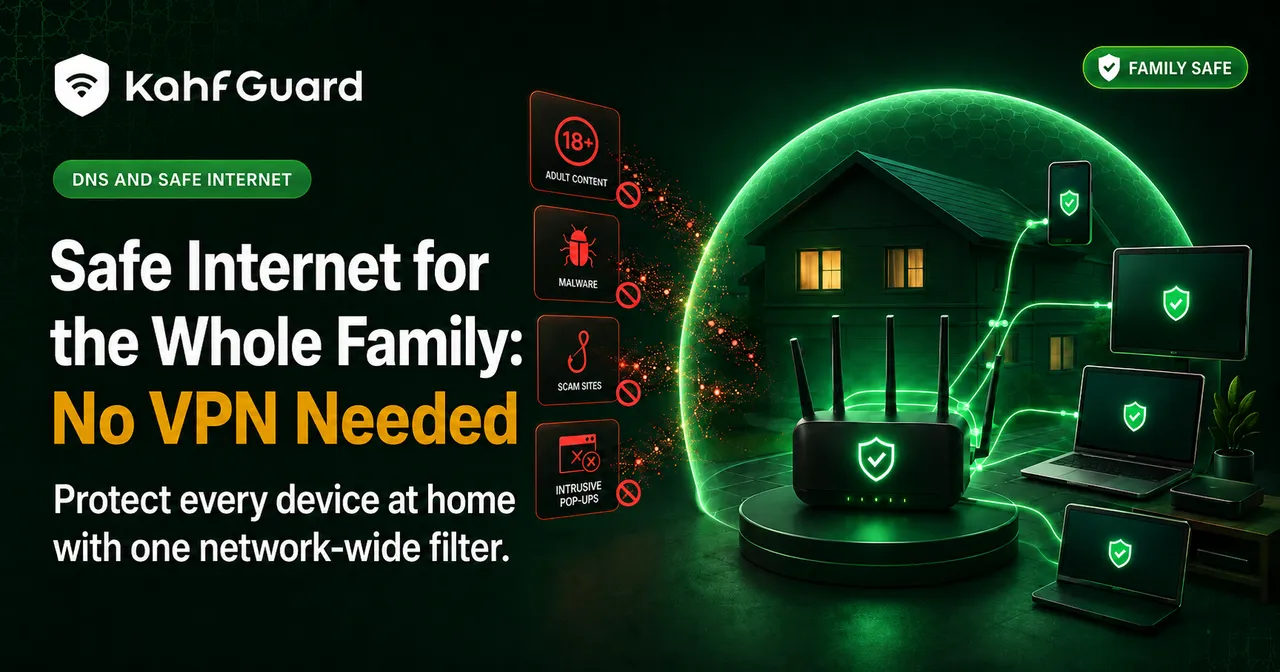
Because the filtering rides on DNS, a single account can cover every device you add to it — each child’s phone, the shared tablet, the family computer, and the parents’ own phones. You manage them all from one place, and a new device is protected the moment it’s added rather than starting wide open.
What a safe-internet filter blocks
Kahf Guard filters by category, so the coverage is broad and catches new sites automatically:
It also quiets the endless feeds — explicit Reels and Shorts can be filtered or switched off (Android only) — so “safe” covers not just harmful sites but the doom-scrolling that eats a family’s evenings.
Strong or Moderate — choosing the right level
The tightest filtering. Best for a child's device or a household that wants the firmest setting, with the least chance of anything slipping through.
A lighter touch. Best for an adult who wants real protection without over-blocking everyday sites. Still filters adult, scam, and malicious content.
Safe internet for you, not just the kids
Short answer
Most parental-control apps only protect a child from the internet. A safe-internet filter protects the adults too, from the same install — which matters, because the person setting up the filter often wants it for themselves as much as for the children.
This is the honest difference between a safe-internet tool and a parental-control-only one:
| Capability | Parental-control-only apps | Kahf Guard |
|---|---|---|
| Protects a child's device | ✓ | ✓ |
| Protects the adults too | ✕ | ✓ |
| DNS-level, every app | ~ varies | ✓ |
| No VPN, no traffic rerouting | ~ varies | ✓ |
| Free core filtering | ~ often paid | ✓ free forever |
Set up safe internet in two minutes
- Install Kahf Guard.
Download it from the Google Play Store or App Store on each device.
- Turn on Safe Internet Protection.
Switch it on and pick Strong or Moderate for that device. Filtering starts across every app right away.
- Add the family and lock it.
Add each device to your account, set per-child rules, then enable uninstall and DNS-change protection so the filter holds.
On Android specifically, you can also set up private DNS for filtering that starts at the system level.
Common questions
What is a safe internet connection for families?
One where harmful content — adult sites, gambling, scams, phishing — is filtered at the source across every device, so no single person has to police it. Safety comes from the connection itself, not from vigilance.
Can I make the internet safe without a VPN?
Yes. DNS-level filtering makes the internet safe by blocking harmful sites at the address lookup, without rerouting your traffic through a VPN or slowing your connection.
How do I protect every device in the house?
Install the filter on each device under one account, so phones, tablets, and computers are all covered and managed from one place. A new device is protected as soon as it's added.
Is safe internet filtering free?
Kahf Guard's core filtering is free forever. Premium adds parental controls, per-child rules, and multi-device family management.
What does safe internet filtering block?
Adult content, gambling, dating platforms, phishing, malware, trackers, and harmful ads — and it enforces Safe Search and YouTube Restricted Mode. Filtering by category catches new sites automatically.
Strong or Moderate — which should I choose?
Strong for a child's device or a strict household; Moderate for an adult who wants protection without over-blocking. Both filter adult, scam, and malicious content.
Does it protect adults too, or just kids?
Both. Unlike parental-control-only tools, the same install protects the adults from their own habits, not just a child from the internet.
A safer internet by tonight
Install free, flip one switch, and every device in the house is protected before the kettle boils.
Get Kahf Guard free