Block Betting & Gambling Apps and Sites — DNS Filter
Quick answer
Set the device — or the whole home network — to a filtering DNS resolver, and requests to betting and gambling domains stop resolving before any page loads. Kahf Guard does this at the DNS level: free for core filtering, no VPN needed, and it covers every browser and app on the device. Choose the Moderate or Strong level in the Kahf Guard app, or set the Strong hostname high.kahfguard.com manually.
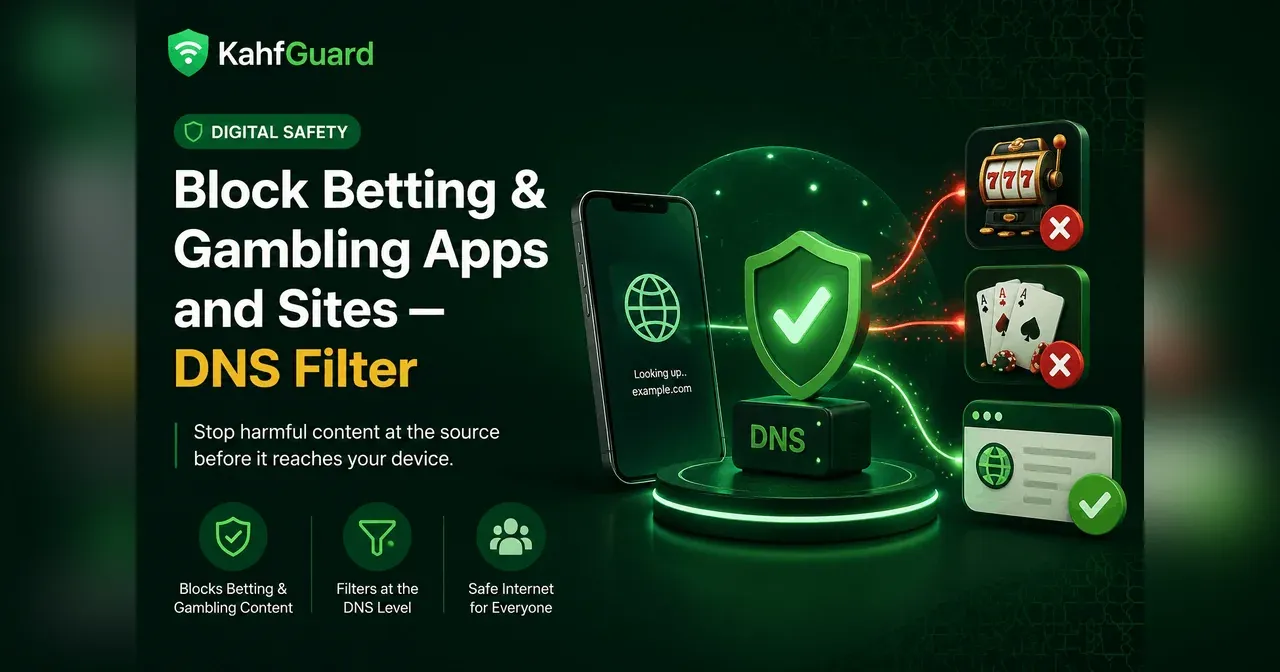
Gambling sites are easy to open and hard to un-see: a search, a shared link, an ad — and the page is right there. Blocking one site at a time never keeps up, because the sites multiply faster than any block list you maintain by hand. Category-level DNS filtering solves it differently: every domain in the gambling and betting category is blocked at the lookup, before the page can load, on every browser and app on the device.
Why gambling blocks belong at the DNS level
Short answer
DNS filtering blocks the whole gambling category at the moment a device looks up a domain — before content is fetched. That makes it device-wide (every browser and app), network-wide (it works on Wi-Fi and mobile data alike), and free of the usual workaround: no VPN required, no per-app settings to maintain.
Browser extensions and screen-time filters work per app and are easy to switch off. A DNS-level filter sits underneath all of them: the request for a gambling domain simply never resolves. Kahf Guard’s filtering is built on that layer, and it adds what a manual setting can’t — a lock, so the filter can’t be quietly changed back. If you’re also filtering other harmful categories, the same setup is used to block adult content at the DNS level — one filter, all categories.
How to block betting and gambling sites on every device
- Set up Kahf Guard on the device.
Set up the app from the Google Play Store or App Store, or configure the filtering DNS hostname manually on Android, iOS, or your router.
- Choose a filtering level that covers gambling.
Pick Moderate or Strong. Moderate blocks wider harmful categories including gambling and dating; Strong applies the most restrictive filtering with enforced Safe Search.
- Set the Strong hostname for the strictest filtering.
On routers or devices configured manually, use high.kahfguard.com as the DNS hostname. The app applies it for you automatically — no manual entry needed.
- Lock the setting so it holds.
Turn on uninstall and DNS-change protection. Without the lock, the filter can be switched off in settings in seconds — which matters most on a child's device.
Which filtering level blocks gambling?
Kahf Guard’s core filtering is free, and every level runs at the DNS level without a VPN. The levels differ in breadth:
| Level | What it blocks | Best for |
|---|---|---|
| Weak | The most explicit and highest-risk adult and malware domains | A light touch on a personal device |
| Moderate | Wider coverage across adult, gambling, and dating categories | Everyday family use |
| Strong — high.kahfguard.com | The most restrictive filtering, plus enforced Safe Search and YouTube Restricted Mode | Kids' devices and strict setups |
For gambling specifically, choose Moderate at minimum; choose Strong on any device used by a child or by someone fighting a gambling habit.
Common questions
Does DNS blocking stop gambling sites on every app?
Yes. DNS filtering works at the domain-lookup layer, so it covers every browser and every app on the device — on Wi-Fi and mobile data alike. No per-app settings to maintain.
Do I need a VPN to block gambling sites?
No. Kahf Guard filters at the DNS level, which needs no VPN, adds no routing detour, and doesn't slow browsing down. Core filtering is free.
Is DNS-level gambling blocking free?
Yes. Kahf Guard's core DNS filtering — including the gambling category on Moderate and Strong — is free to use.
Which filtering level should I choose?
Moderate at minimum for gambling-category blocking; Strong for kids' devices and strict setups. Strong uses the hostname high.kahfguard.com and adds enforced Safe Search and YouTube Restricted Mode.
Can the filter be switched off?
A manually set DNS hostname can be changed back in settings in seconds. Kahf Guard adds uninstall and DNS-change protection so the filter holds — which is the point on a child's device.
Block gambling at the source, free
Set the filtering level once and every browser and app on the device is covered — no VPN, no per-app settings.
Set up Kahf Guard free