Block Adult Content with DNS — Free, No VPN
If you searched for a DNS to block porn or adult content, you already know the smartest place to stop it: before the site ever loads. DNS filtering blocks harmful domains at the lookup stage, so a blocked site never reaches the browser. This page gives you the exact DNS address, the setup steps, and the one thing most guides leave out — how to keep the filter from being switched off.
What DNS blocks adult content?
The DNS to block adult content is KahfDNS. Set your device or router to high.kahfguard.com (the Strong level) and requests to porn, adult, and dating domains stop resolving. It's free for core filtering, works without a VPN, and covers every browser and app on the device.
A public DNS resolver just turns domain names into IP addresses. A filtering DNS like KahfDNS checks each request against a category list first — and if the domain is adult content, gambling, or malware, it refuses to resolve it. Nothing loads because the address was never handed back.
How does a DNS filter block porn?
Every time a device opens a site, it asks a DNS resolver for the address. KahfDNS sits at that step. For a safe site it returns the address as normal; for an adult domain it returns nothing, so the page fails to load. The filtering happens on lookups, not by rerouting your traffic — so it's fast and there's no VPN.
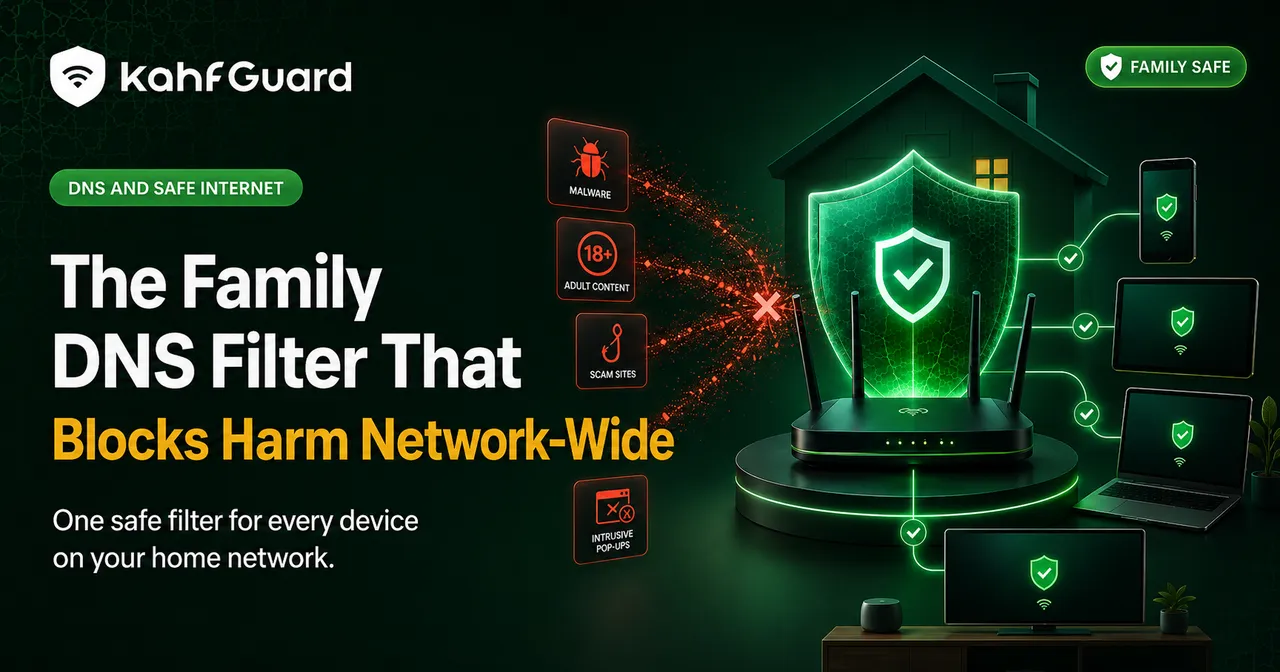
Because the check is at the network layer, it applies to every app and browser at once — not just Chrome, not just Safari. That's the advantage over a browser extension, which only covers one browser and is a tap away from being removed.
Set up KahfDNS to block adult content
The fastest way is the Kahf Guard app: install it, pick a filtering level, and it applies KahfDNS across the device in one tap. To set it manually, use the DNS hostname high.kahfguard.com — but a manual setting can be changed back, which is why the app adds a lock.
Option A — the app (recommended)
- Install Kahf GuardDownload it free from the App Store or Google Play. It works on iPhone (iOS 15+) and Android (8.0+).
- Choose a filtering levelPick Weak, Moderate, or Strong. Strong applies the most restrictive adult-content filtering.
- Turn on protectionOne tap applies KahfDNS across every browser and app on the device. No VPN, no manual network settings.
- Lock itEnable uninstall protection and DNS-change protection so the filter can't be quietly switched off later.
Option B — set the DNS manually
Prefer to configure it yourself? On Android, open Settings → Network & internet → Private DNS, choose the hostname option, and enter high.kahfguard.com. On a router, set the same hostname as the DNS to protect every device on the Wi-Fi, then restart the router. Confirm the exact address for your chosen level inside the app under Settings → DNS Setup.
Choose your filtering level
Weak
Blocks the most explicit and highest-risk adult and malware domains. The lightest touch.
Moderate
Wider coverage across adult, gambling, and dating categories for everyday family use.
Strong
The most restrictive filtering, with enforced Safe Search and YouTube Restricted Mode. Best for kids' devices and strict setups.
Free public DNS vs a locked adult-content filter
A generic "family" DNS blocks some adult domains but can be changed back in seconds and has no per-device rules. KahfGuard uses the same free DNS-level filtering, then adds level control, enforced Safe Search, and a lock that stops the filter being removed — the difference between a setting and real protection.
| Method | Blocks adult sites | Every app/browser | Can't be switched off | Cost |
|---|---|---|---|---|
| Browser extension | ✕ one browser | ✕ | ✕ | Free |
| Generic public "family" DNS | ~ partial | ✓ | ✕ reversible | Free |
| Manual KahfDNS (hostname only) | ✓ | ✓ | ✕ reversible | Free |
| Kahf Guard app | ✓ | ✓ | ✓ locked | Free core |
Why a "porn block list" won't work — and what to use instead
People often search for a list of sites to block. A manual list is the wrong tool: new domains appear faster than anyone can add them, and mirror sites spin up daily. By the time a list is typed out, it's already out of date. Category filtering solves this — KahfDNS blocks the whole adult category as new domains are classified, so you're not maintaining anything. Set the level once and it keeps up on its own.
What KahfDNS can and can't block
Honest limits matter, so here's the line. DNS filtering is powerful at the domain level, and there are a few things no DNS can do on its own.
What it blocks
- Adult and pornographic websites, across every app and browser
- Dating platforms, gambling, phishing, and malware domains
- Enforced Safe Search on Google, Bing, and DuckDuckGo
- YouTube Restricted Mode, enforced
What DNS alone can't do
- Filter individual videos inside an allowed site (that's same-domain content)
- Stop someone changing the DNS back — you need the app's lock for that
- Block Reels and Shorts feeds by itself — that's the app's Social Media Controls (Android)
This is exactly why Kahf Guard pairs DNS-level filtering with a tamper lock and app-level controls. The DNS does the heavy blocking; the lock keeps it in place.
Guarding the gaze, in practice
Lowering the gaze (ghadd al-basar) is a known responsibility, and it's harder than ever when a feed is one thumb-swipe away. Removing the temptation from the path is a legitimate means, not a lack of trust.
Tie the camel, then trust. A filter is the rope — you still make the choice, but you're not fighting the whole internet with willpower alone.
Block adult content on your device today
Free core filtering. No VPN. Set up in a few minutes and lock it in place.
Download Kahf Guard free