The Family DNS Filter That Blocks Harm Network-Wide
A family DNS filter is the simplest way to make a whole household’s internet safer without touching each app or website by hand. It sits between your devices and the internet, checks every site’s address as it’s requested, and refuses the harmful ones - so they never load.
Quick answer
A family DNS filter blocks harmful websites at the address-lookup stage, before they load, by category - adult, gambling, phishing, malware. You can apply it network-wide by pointing your router at a filtering DNS, or per-device with an app that travels onto mobile data and locks so it can't be switched off. Kahf Guard does both; the core filter is free.
What is a DNS filter?
Short answer
A DNS filter is a resolver that checks each site's address request against a filter and refuses harmful ones. A content-filtering DNS goes by category, so it blocks whole classes of harm - and catches new sites automatically - rather than depending on a list someone has to keep updating.
In plain terms, it’s a gatekeeper for the internet’s address book. When a device asks for a site’s address, the filter either hands it over or declines. Because every app relies on that lookup, one filter covers all of them at once. The DNS protection explainer walks through the mechanism in full.
Network-wide vs per-device filtering
Short answer
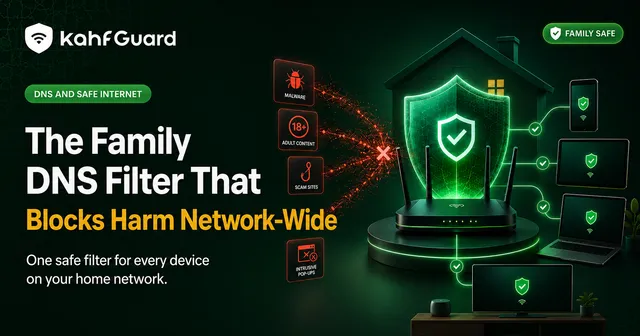
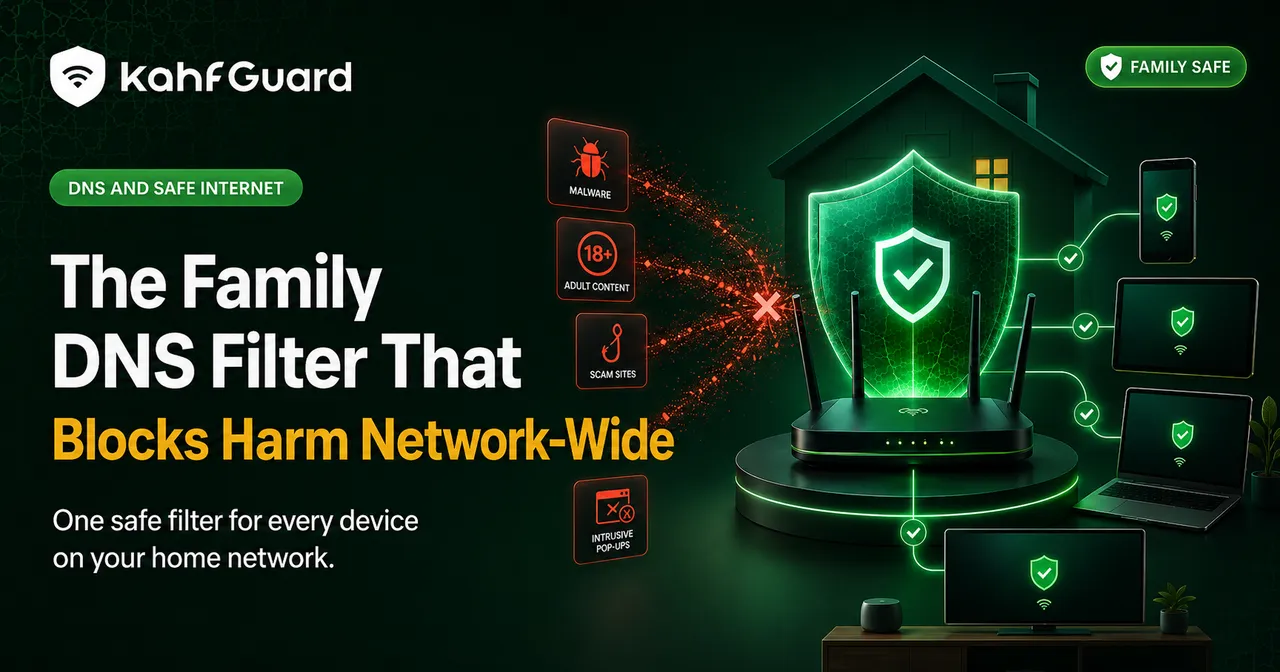
Network-wide filtering, set at your router, covers every device on the home Wi-Fi at once - but it stops at the front door, so a phone loses it on mobile data. Per-device filtering rides with the phone everywhere and can be locked. The strongest setup uses per-device on phones and network-wide for everything else.
| Network-wide (router) | Per-device (app) | |
|---|---|---|
| Covers every device at home | ✓ | ~ each installed |
| Still works on mobile data | ✕ | ✓ |
| Per-person levels & rules | ✕ | ✓ |
| Can be locked from tampering | ~ router-dependent | ✓ |
Kahf Guard supports both. Point your router at its filtering DNS to cover the whole home network, and install the app on phones so the filter travels and holds when they leave the house.
Choosing a filter level
The tightest filtering, with the least chance of anything slipping through. Best for a child's device or a strict household.
A lighter touch for an adult who wants protection without over-blocking everyday sites. Still filters adult, scam, and malicious content.
Set the level per device, so a child’s phone can run Strong while a parent’s runs Moderate - all from the same account.
A filter is only as good as its lock
Short answer
Any DNS filter can be undone if it's easy to reach - switched off at the router or swapped out in a phone's settings. Bypass prevention is what turns a filter into a real safeguard: uninstall protection stops the app being deleted, and DNS-change protection stops the filter being replaced.
This matters most on a child’s device, where the off switch and the temptation are the same tap. Without a lock, a family DNS filter lasts exactly until someone decides to remove it. With one, it holds. For the deeper version of this, see the filter that can’t be bypassed.
What a family DNS filter blocks
Filtering by category means the coverage stays current on its own - a site created today in a blocked category is refused the first time anyone reaches for it, with nothing to add by hand.
Set up the Kahf Guard family DNS filter
- Install on each phone.
Download Kahf Guard from the Google Play Store or App Store and turn on Safe Internet Protection, choosing Strong or Moderate.
- Cover the home network (optional).
Point your router at Kahf Guard's filtering DNS to protect every device on the Wi-Fi at once. Router steps vary by model.
- Add the family and lock it.
Add each device to your account, set per-child rules, and enable uninstall and DNS-change protection so the filter can't be switched off.
Common questions
What is a DNS filter?
A DNS filter blocks harmful websites at the address-lookup stage, so they never load. A content-filtering DNS blocks by category - adult, gambling, malware - across every app at once.
What's the difference between network-wide and per-device filtering?
Network-wide (router) filtering covers every device on your home Wi-Fi but stops at the front door, so a phone loses it on mobile data. Per-device filtering travels with the phone and can be locked. The strongest setup combines both.
Is a family DNS filter free?
Kahf Guard's core DNS filtering is free. Premium adds parental controls, per-child rules, and multi-device family management.
Can a DNS filter be bypassed?
A plain one can be switched off in settings or at the router. Kahf Guard prevents that with uninstall and DNS-change protection, which matters most on a child's device.
What does a DNS content filter block?
Adult content, gambling, phishing, malware, trackers, and harmful ads, by category - so new sites in those categories are caught automatically without a manual list.
How do I set up a DNS filter for my family?
Install Kahf Guard on each phone so the filter travels and locks, and optionally point your home router at the filtering DNS to cover every device on the network.
What filter level should I use?
Strong for a child's device or a strict household; Moderate for an adult who wants protection without over-blocking. Set it per device from one account.
One filter for the whole house
Block harm network-wide and per-device, at the level you choose - then lock it so it stays.
Get Kahf Guard free