Adult Content Blocker: DNS Filtering for Every App
Quick answer
An adult content blocker filters explicit websites, images, and ads so they don't load. The effective ones work at the DNS level, which covers every app and browser on a device at once, and filter by category rather than a fixed list - so new sites are caught automatically instead of slipping through until someone updates a spreadsheet.
What an adult content blocker actually does
Short answer
It sits between your device and the internet and stops explicit content from reaching you - websites, image results, and the ads that load alongside them. The weakest versions filter one browser; the strongest filter every app on the device and cover categories of content, not just named sites.
The difference between “blocks a browser” and “blocks the device” is the whole game. Explicit content arrives through more than the address bar: it comes through in-app browsers inside social apps, through image and video search, and through ad networks that inject promos into otherwise ordinary apps. A blocker that only watches one browser is looking at a single door in a house full of windows.
Category filtering beats a block-list
Short answer
A block-list can only stop sites someone has already added to it, and new explicit sites appear faster than any list is updated. Category filtering recognises the type of content and blocks it on sight, so the filter stays effective without constant maintenance.
This is why a serious blocker filters by category. Instead of chasing an endless list of domains, it identifies adult, scam, and malicious content by classification and blocks the whole category - including sites nobody has catalogued yet. For the full argument on why lists never finish, see why a porn block-list never works.
What a good adult content blocker filters
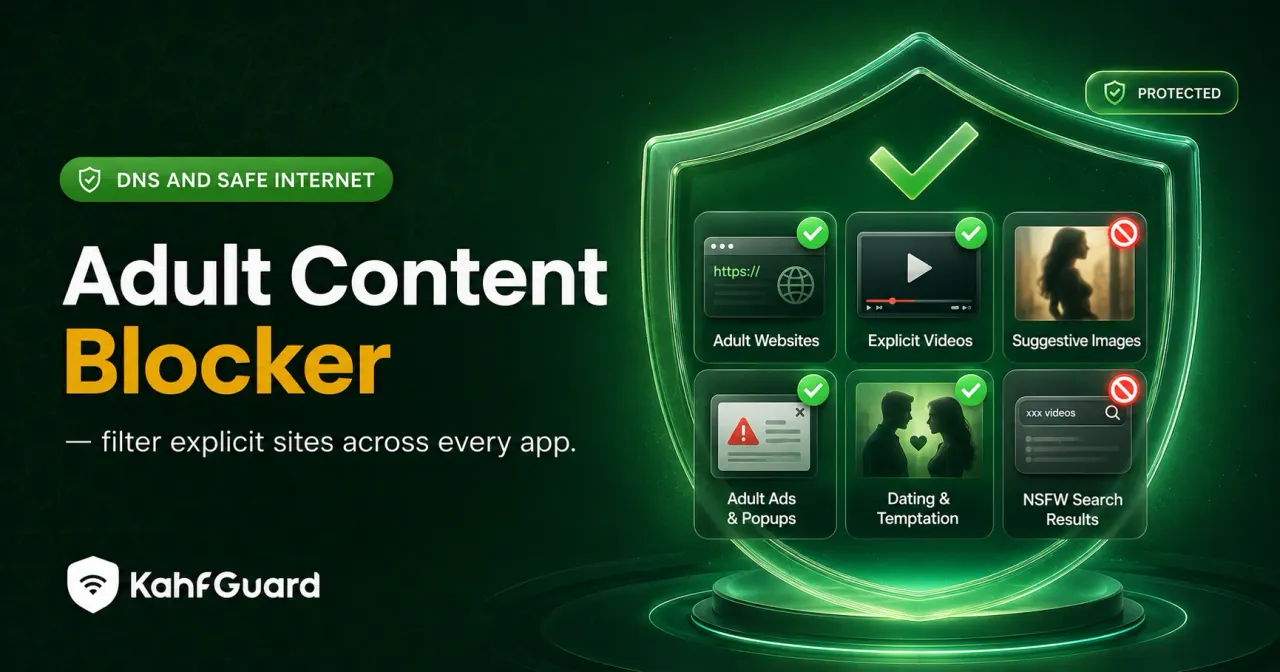
Coverage is the real measure. A blocker worth installing reaches every surface explicit content uses, not just the obvious one:
- Explicit websites
Adult domains blocked at the network level, across every browser at once rather than one at a time.
- Search and image results
Safe Search enforced automatically so explicit results and thumbnails don't surface in the first place.
- In-app content and short-form feeds
Explicit Reels and Shorts filtered or switched off, since that's where a lot of it now appears.
- Adult ads
The ad domains explicit promos load from don't resolve, so they never render in any app.
What to look for before you trust one
Buyer's checklist
Five things separate a blocker that holds from one that's decoration. Check each before you install.
- Works across every app, not one browser. DNS-level, not a lone extension.
- Filters by category, not just a fixed list. New sites caught automatically.
- Has a tamper lock. Uninstall and DNS-change protection, so it survives a weak moment.
- Covers the family. Multiple devices under one account, managed from the parent's phone.
- Has a real free tier. The core filter shouldn't sit behind a paywall.
How the options compare
| Type of blocker | Every app | Category filtering | Blocks ads | Tamper lock |
|---|---|---|---|---|
| Browser extension | ✕ one browser | ~ | ✕ | ✕ |
| Manual block-list | ~ | ✕ list only | ✕ | ✕ |
| Router filtering | ~ that Wi-Fi | ✓ | ~ | ~ |
| Kahf Guard (DNS + app-level) | ✓ | ✓ | ✓ | ✓ |
How Kahf Guard filters explicit content across apps
Kahf Guard is built to the checklist above. Safe Internet Protection filters adult, scam, and malicious domains by category at the DNS level, so it covers every app and browser and catches new sites on classification rather than waiting for a list. The Harm Blocker screens risky searches, Social Media Controls handle explicit short-form feeds, and Safe Search is enforced for you. It runs without a VPN and holds through uninstall and DNS-change protection.
- Install Kahf Guard.
Download it from the Google Play Store or App Store.
- Turn on Safe Internet Protection.
Choose Strong or Moderate filtering to block adult content across every app.
- Lock it and add the family.
Enable uninstall and DNS-change protection, then add each device you want covered.
Common questions
What is an adult content blocker?
A tool that filters explicit websites, images, and ads so they don't load. The most effective ones work at the DNS level across every app on a device, rather than filtering a single browser.
What's the best adult content blocker?
Judge it against five things: it covers every app, filters by category rather than a fixed list, has a tamper lock, supports multiple family devices, and has a real free tier. Kahf Guard is built to meet all five.
Is there a free adult content blocker?
Yes. Kahf Guard's DNS-level filtering is free and covers the whole device. Native settings on iOS and Android are also free but cover less and don't lock.
Do adult content blockers work across all apps or just browsers?
Browser extensions only cover the browser they're installed in. A DNS-level blocker filters every app and browser at once, including the in-app browsers inside social apps.
Can an adult content blocker be turned off?
A basic one, yes. A blocker with uninstall and DNS-change protection holds in place, which matters most on a child's device or during recovery.
Does an adult content blocker block explicit ads?
DNS-level blockers do, because the ad domains those promos load from don't resolve. Browser-only tools usually don't reach them.
Filter it everywhere, in one step
Block explicit sites, images, and ads across every app - by category, and locked in place.
Get Kahf Guard free