Private DNS on Android: Set Up Safe Filtering Free
Set up Private DNS on Android for system-wide safe filtering, free. Step-by-step setup, the right hostname to use, what it blocks, and how to fix common errors.
Keep your family's devices clean, browsing private, and connections secure.
Digital safety isn't just about antivirus software — it's about understanding the threats that target your family's devices and taking practical steps to block them before they cause harm.
These guides cover safe browsing habits, how to recognise phishing links and browser hijacking, app alternatives that respect your values, and the specific settings that prevent inappropriate content from loading on family devices. From Instagram safety for teens to router-level protection for the whole household, this category gives you the knowledge and the steps.
Set up Private DNS on Android for system-wide safe filtering, free. Step-by-step setup, the right hostname to use, what it blocks, and how to fix common errors.
Safe internet for every device in your home — adult content, gambling, scams and doom-scrolling filtered at the source, with no VPN. Set it up in two minutes.
How DNS ad-blocking refuses ad and tracker domains across every app, what it honestly can't remove, and how to turn it on.
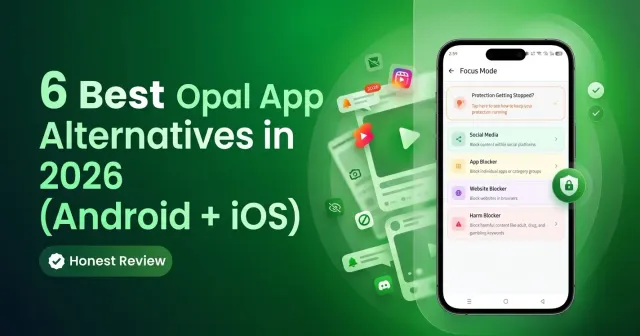
Opal's Android app falls short for families and Muslim users. Discover the 6 best Opal alternatives in 2026 with stronger blocking, content filtering, and parental controls.
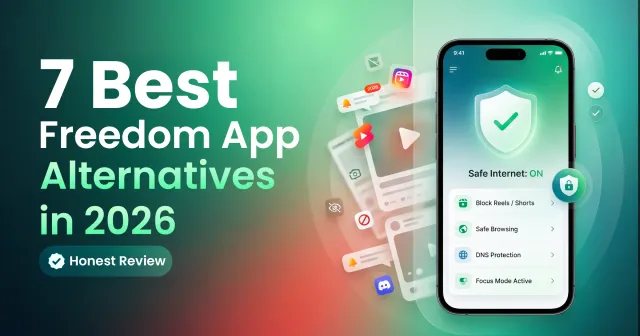
Explore the 7 best Freedom app alternatives in 2026, including DNS-level blockers, parental controls, and faith-aligned tools for Muslim families and individuals.
A comprehensive 2026 comparison of the best reels blocker and Islamic porn blocker apps, exploring how Kahf Guard protects Muslim families from haram content and social media addiction.
Learn six practical steps to ensure safe browsing online — from securing your internet connection and using strong passwords to avoiding phishing links and using a halal-safe browser like Kahf Guard.
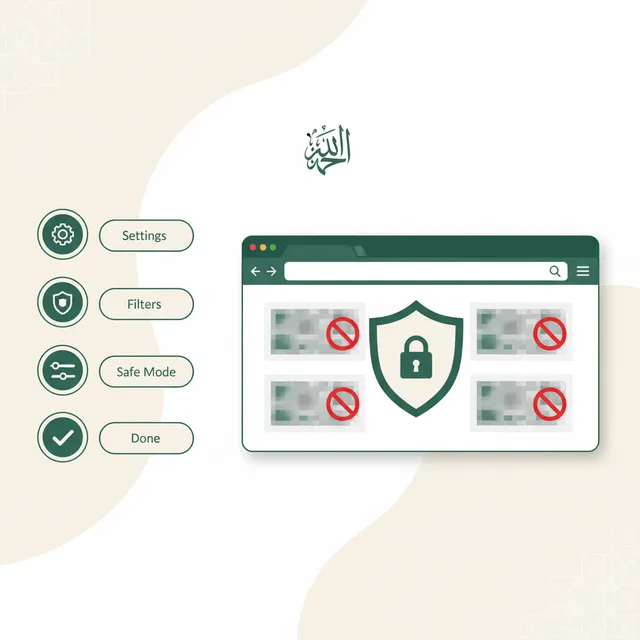
Learn how to identify and block inappropriate content on your web browser, from explicit material and cyberbullying to malware and phishing, using browser-specific controls and best practices.