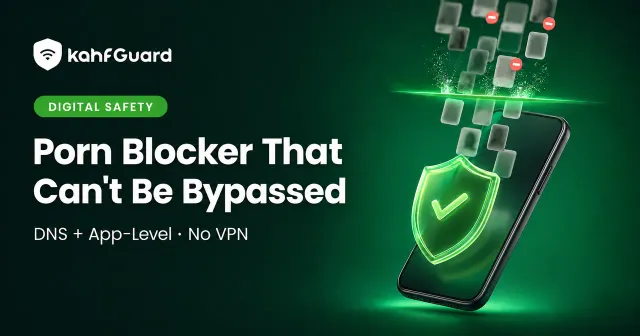
Porn Blocker That Can't Be Bypassed — DNS + App-Level filtering with Kahf Guard shield on a phone
Porn Blocker

The Porn Blocker That Can't Be Bypassed

A porn blocker is only as strong as its weakest off switch. Plenty of apps filter the browser and stop there — then get deleted the moment resolve slips. This guide covers what actually makes a block hold: filtering at the DNS level across every app, enforcing it on the device, and locking the setting so it can’t be quietly reversed.

Quick answer

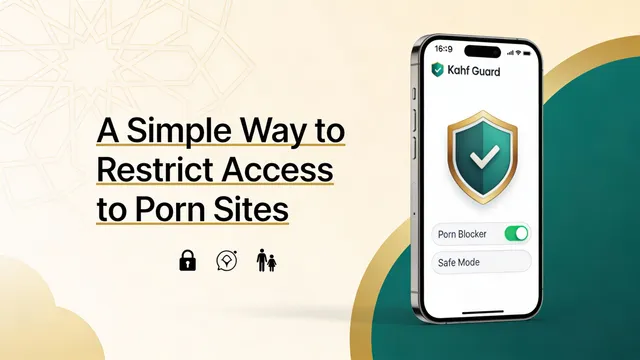
Kahf Guard filters adult content at the DNS level across every app and browser on your phone, then locks the setting with uninstall protection and DNS-change protection. You turn it on once and it stays on — no VPN, no browser extension to delete. The core adult-content filter is free.

Why most porn blockers stop working within a day

Short answer

Most porn blockers fail for two reasons: they only cover the web browser, and they're easy to remove. An extension is deleted in one tap. A manual DNS entry is swapped back in the network menu. Coverage and tamper-resistance are what separate a real block from a five-second speed bump.

If you’ve tried a blocker before and slipped past it, the tool wasn’t the problem so much as its reach and its lock. Here’s where the common approaches leak:

  • Browser extensions ignore in-app content.

    Instagram, X, Reddit, and Snapchat load media inside their own apps, well outside a Chrome extension's reach. The feed you actually scroll is the feed it can't see.

  • Incognito and a second browser walk right past it.

    An extension installed in one browser does nothing in another. Private windows and a spare browser are the oldest workaround there is.

  • A manual DNS setting is a toggle anyone can flip.

    If you can set a private DNS in the network menu, you can unset it in under a minute. Nothing holds it in place during a weak moment.

  • Uninstall-and-reinstall wipes any blocker with no removal lock.

    When the off switch and the temptation share the same tap, the filter loses. The block needs to survive the moment it's most likely to be removed.

What “unbypassable” actually means: two layers, not one

Quick answer

"Unbypassable" isn't one magic setting — it's two layers plus a lock. Layer one filters requests at the DNS level, before a harmful site ever loads. Layer two enforces the block on the device itself. A tamper lock then stops the filter from being switched off or removed.

Kahf Guard is built around that combination. Each layer covers the gap the other leaves open, and the lock keeps both in place.

Layer 1 — Network

DNS-level filtering, before anything loads

Every site your phone opens first asks a DNS server for an address. Kahf Guard answers through its own filtering resolver, so adult, scam, and malicious domains never resolve — across every app and browser at once, not just Chrome. It handles 1.5B+ known threats and needs no VPN, because it filters requests rather than routing your traffic.

Layer 2 — Device

On-device enforcement and a tamper lock

DNS filtering only helps while it's switched on. Uninstall protection stops the app from being deleted, and DNS-change protection stops the filter from being swapped out in settings. Safe Search and YouTube restriction are enforced automatically instead of left to each app's optional toggle.

How Kahf Guard blocks adult content in every app, not just the browser

Short answer

Because filtering happens at the network layer, the block covers native apps, in-app browsers, and every browser on the device at the same time — not only the one where you installed an extension.

Five parts of the app do the work together:

  • Safe Internet Protection

    DNS-level filtering of adult sites, unsafe searches, scams, and malicious domains across apps and browsers. Choose Strong for the tightest filtering or Moderate for a lighter touch.

  • Harm Blocker

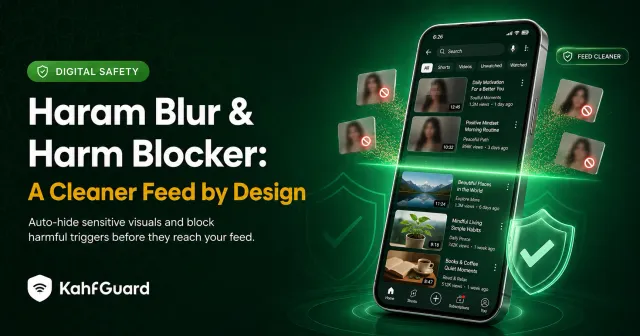
    Catches risky keywords and search patterns before results load, so a bad search doesn't surface worse suggestions and pull you deeper.

  • Social Media Controls

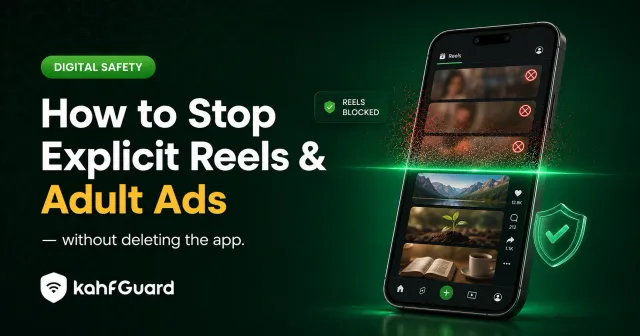
    Strip explicit Reels and Shorts, or switch the feature off entirely, without deleting the whole app. The feed most likely to ambush you gets handled at the source.

  • Website Blocker

    Add your own sites to block permanently or on a schedule, on top of the categories Kahf Guard already filters for you.

  • Safe Search and YouTube restriction

    Enforced automatically for you, so image results and video suggestions stay clean without depending on each service's own optional setting.

DNS blocker vs browser extension vs router filtering

The method decides how much of the phone you actually cover, and whether the block survives. Here’s the honest comparison:

MethodCovers every browserCovers in-app contentRemoval lockVPN needed
Browser extension one browser No
Manual private DNS toggle off anytime No
Router filtering ~ on that Wi-Fi only ~ partial No
Kahf Guard (DNS + app-level) uninstall + DNS-change lock No

Router filtering protects devices on your home Wi-Fi, then leaves the moment a phone switches to mobile data. That’s why on-device DNS filtering with a lock is the version that travels.

Is a free porn blocker enough?

Quick answer

The core adult-content filter is free. Kahf Guard's DNS-level Safe Internet Protection blocks explicit sites across your whole device at no cost. Premium adds the pieces families and people in recovery ask for most: several devices under one account, app schedules, and an accountability partner.

For one person who wants explicit content off their own phone, the free filter does the core job on its own. Premium earns its place when you’re protecting a household or building a recovery routine that leans on someone else’s support.

Set up Kahf Guard in about two minutes

  1. Install Kahf Guard.

    Download the official app from the Google Play Store or the App Store.

  2. Turn on Safe Internet Protection.

    Open the app and switch it on. Pick Strong for the tightest adult-content filtering, or Moderate for a lighter setting.

  3. Lock it with tamper protection.

    Enable uninstall protection and DNS-change protection so the filter can't be switched off or removed later.

  4. Optional: cover a child or add a partner.

    Add a child's device to your account, or invite an accountability partner — both are managed from your own phone.

Confirm it's working at kahfguard.com/check. A live setup shows a green status.

Can a teenager or child bypass it?

Short answer

Not easily. Uninstall protection stops the app from being deleted, and DNS-change protection stops the filter from being swapped out in settings. On a child's device, both are managed from the parent's account — so the off switch sits with the parent, not the phone in the child's hand.

No filter on earth is absolute, and it’s fair to say so. What tamper protection does is remove the easy exits, which is where nearly every slip happens. Pair the tool with an honest conversation, and for adults working through a habit, an accountability partner turns a private struggle into a shared one.

A cleaner feed, by design

For a Muslim family, the point isn't only focus — it's guarding the eyes and the heart from what a feed pushes without being asked. Kahf Guard treats that protection as the default state of the device rather than a setting you remember to switch on. Filter the harm once, and the everyday web gets quieter on its own.

Common questions

Does a porn blocker need a VPN?

No. Kahf Guard filters at the DNS level, so it protects every app on the phone without routing your traffic through a VPN or intercepting it. Requests to harmful domains simply don't resolve.

Is there a free porn blocker for Android that actually works?

Yes. Kahf Guard's DNS-level adult-content filtering is free and covers Android system-wide — every browser and app — rather than a single browser. Premium features are optional and mainly matter for families and recovery.

Does it block porn inside apps like Instagram and X?

Yes. Because filtering happens at the network layer, it reaches in-app browsers and native app content, not only standalone browsers. Explicit short-form feeds can also be stripped through Social Media Controls.

Can I block adult content on my child's phone remotely?

Yes. Add the child's device to your account and manage filtering, uninstall protection, and DNS-change protection from your own phone. The controls stay with the parent.

What's the difference between a DNS porn blocker and a browser extension?

An extension filters only the browser it's installed in and is deleted in one tap. A DNS blocker filters every app at once and, with a tamper lock, can't be quietly switched off.

Does Kahf Guard block explicit Reels and Shorts?

Yes. Social Media Controls strip explicit short-form feeds or switch the feature off entirely, without removing the whole app from the phone.

Turn the block on once

Filter adult content across every app, then lock it so it stays that way.

Download Kahf Guard free