Get Kahf Guard for Windows
Free to install. Takes about 2 minutes. Follow the 5 simple steps below.
Download for WindowsWindows · .exe installer · about 74 MB · version 1.0.22
Using a Mac? Get the Mac version →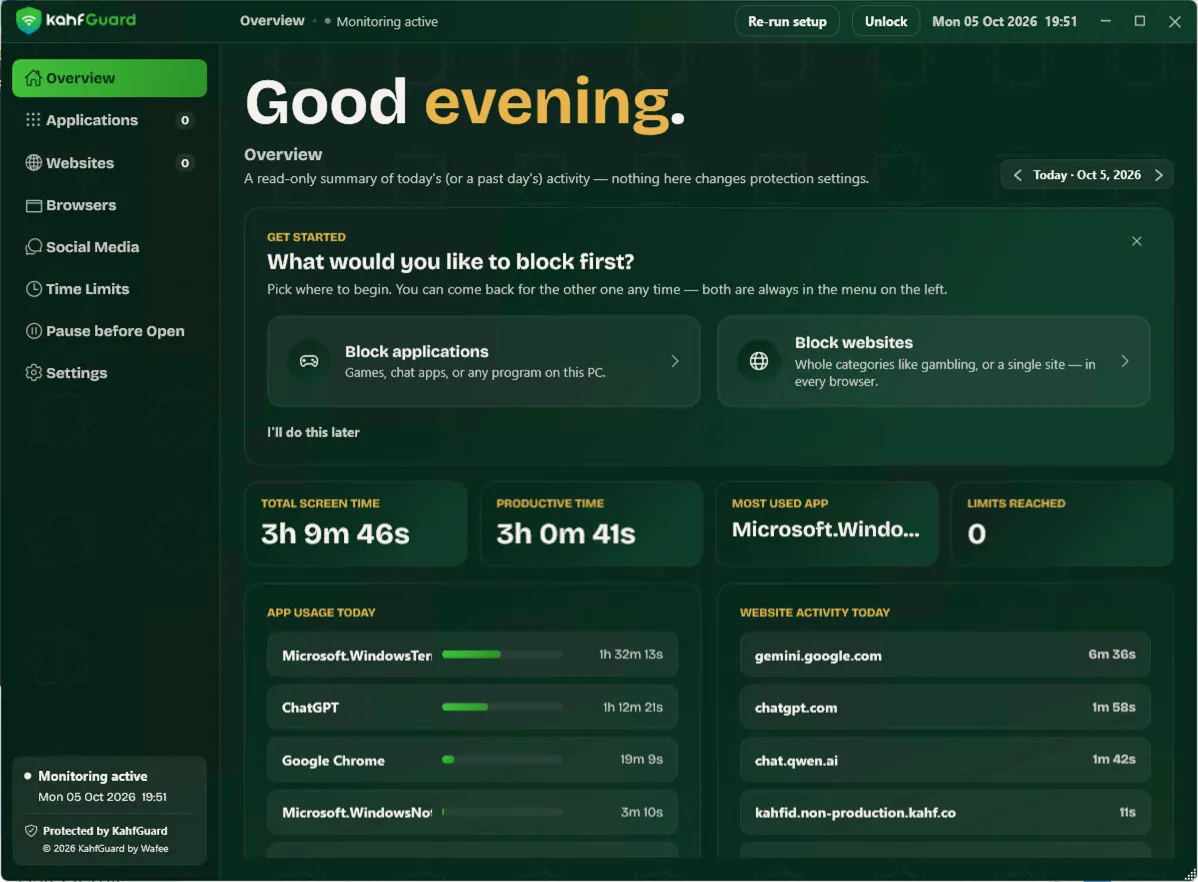
Install in 5 easy steps
-
Step 1: Click the green Download button
The file "Kahf-Guard" will save to your Downloads folder. Your browser may show a small warning that the file is "not commonly downloaded". This is normal. Click the three dots (…) or the arrow, then choose Keep.
Tip: Can't find the file? Press Ctrl + J to open your downloads.
-
Step 2: Open the file you downloaded
Double-click the Kahf Guard file in your Downloads folder to start the installer.
-
Step 3: If you see "Windows protected your PC"
Click the small "More info" link. Then click the "Run anyway" button that appears. This is safe. See why below.
-
Step 4: Click "Yes" when Windows asks for permission
Windows asks "Do you want to allow this app to make changes?" It may say the publisher is "Unknown". Click Yes so Kahf Guard can set up its protection.
-
Step 5: Follow the setup, then you are protected
Click Next and Finish. Kahf Guard opens and guides you through a short setup. Pick what you would like to block first. You can change it any time.
Windows showed a warning. Is Kahf Guard safe?
Yes. Windows shows this warning for any app that is new or not yet widely downloaded, and for apps whose publisher has not paid for a Microsoft certificate. It does not mean anything is wrong with Kahf Guard.
- "Unknown publisher" and "unrecognized app" simply mean Windows has not seen enough downloads yet. It is not a virus warning.
- Kahf Guard is made by Kahf, the team behind the Kahf Guard apps on Android and iPhone.
- The file comes directly from kahfguard.com. Never download it from anywhere else.
- You are always in control. You can uninstall Kahf Guard at any time from Windows Settings > Apps.
Common questions
I do not see the "Run anyway" button.
Click "More info" first (the small text under the message). "Run anyway" appears after that, at the bottom of the window.
My antivirus or browser blocked the download.
Choose Keep (browser) or Allow (antivirus). If it still does not work, contact us and we will help you.
Does Kahf Guard slow down my computer?
No. It is light and runs quietly in the background.
Stuck on any step? We are happy to help. Contact us or visit the Support Center.