
A research shows that the most terrible thing is that these pornographies are being widely advertised. And most of these ads contain phishing links and this pornography site has become the main source of fraud for fraudsters. Apart from this, all gambling sites are advertising these pornographic links. Basically all types of gambling are found in pornography. The trickster cycle is active here. When an unsuspecting person accesses a pornography link, scammers immediately lure them into engaging in antisocial activities through phishing, gambling offers, or live video calls. When a person or a customer responds to such a tempting offer, he becomes all-in. Fraudsters are even stealing his personal information. Many times they are using video chatting to blackmail.
Many people may not want to admit the case or his fraud for fear of reputation. But the reality is that millions of people in the country are addicted to pornography. On the other hand, religious consciousness is being destroyed.If these sites are not closed, the tender children of the society will be destroyed. Society will fall into a terrible addiction. If porn sites are not stopped now, it will lead to dire consequences in the coming days.
What to do?
That is why, for our own people or for others, our task today will be to refrain from searching all these sites or videos from our phones or PCs and to prevent others from doing so. And for this some special steps need to be followed. So let’s do the following to stop searching for these bad sites or videos to protect our friends, relatives, and family.
Instructions to Stop Searching Porn Sites from Phone:
First, go to your phone’s “Settings” option
Next, from within the Settings option, access the Wireless Connection / Other Wireless Connection / network & internet / Connection & Sharing option
In the next step, enter Private DNS option from Wireless Connection.
Click on Designated private DNS option from Private DNS option. See here a link bar will appear.
The link is – “adult-filter-dns.cleanbrowsing.org” Now after typing click on Save button.
After saving this link you will not be able to search any other porn sites Searching will show Error.
Now check out the short technique below to remember the settings more easily-
1. Settings >
2. Wireless connection with >
3. Private DNS>
4. Designated Private DNS >
5. adult-filter-dns.cleanbrowsing.org > Or try thi link is family-filter> high.kahfguard.com
You can block porn sites by following these steps for smartphones. I think it is necessary to say one thing here, the edit option is not in the same name or in the same place in all phones.
*Some phones have Private DNS, some have Designated Private DNS. On some phones it may be Private DNS provider hostname or something similar.
However, the settings are on every phone. You’ll find it with a little careful searching, hopefully.
If this setting is enabled then your mobile phone will never launch any nonsense sites. Or, say, you can’t access those offending sites from your phone. Enabling this setting will automatically block adult sites. Even if you search, you won’t find bad sites. So it is suggested, keep this small setting on in your mobile. You can rest assured to some extent. do it yourself Not just himself. Tell others too. We want healthy beautiful children, individuals, families, society and the world.
Now let’s see how this can be done from the computer-
How to Block Porn Sites from Computer
First open “Google Chrome browser from desktop. Next, enter Settings. Find the Private DNS option from here and save the code family-filter-dns.cleanbrowsing.org here.
Or you can do another thing, that is-
Download the AdBlocker extension to your Chrome browser. Even if you save the above link here, you can block the said sites.
Note: If anyone cannot perform the above mentioned tasks on the smartphone, then they can perform the following tasks.
If you can’t find DNS settings, search by typing Private DNS in settings.
Those who do not get this option on their phone, they can save the link and save the settings by going to the settings from Google and entering General >safe search.
And the last step is, you can block the site by downloading the software from the link,
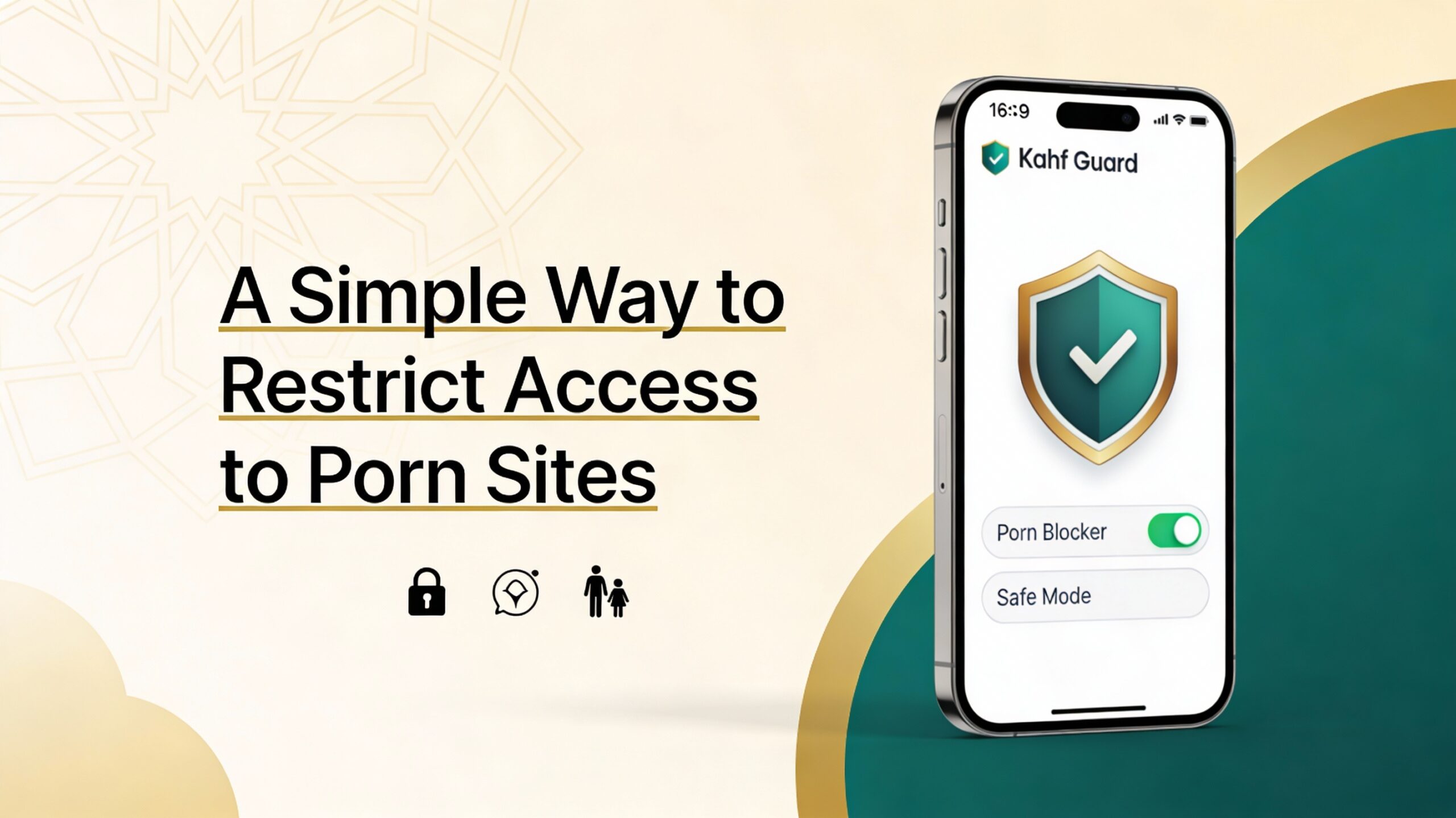
Now it’s almost certain that you can no longer search porn sites even if you wanted to. We want the next generation to grow up with healthy brains. Grow up as an ideal person.Many still do not have a clear understanding of the fact that people can be seriously damaged physically and mentally due to pornography addiction, especially in the long term. A recent study has shown that when people become addicted to porn in childhood or adolescence, later things like rape or sexual abuse seem very traditional or normal behavior to people. The horror or ugliness of these behaviors is no longer discernible by the porn addict’s brain. And because of the abnormal behavior of porn addicts, children are the most vulnerable.Along with the above steps, install Kahf Guard and you can block porn sites easily.
How to Kahf Guard Restrict to Access Porn Sites
Kahf Guard is an safe app designed to keep you away from these negative and obscene sites. Kahf Guard has done this by blocking full sites and Malicious sites. So that they cannot infiltrate the devices of ordinary users. Kahf Guard has blocked over 5.9 billion such haram websites that work against Islamic principles. Such as gambling, pornography, drugs, alcoholic beverages, adult gaming sites and some other such websites. Privacy protection is a big issue in web browsing.