
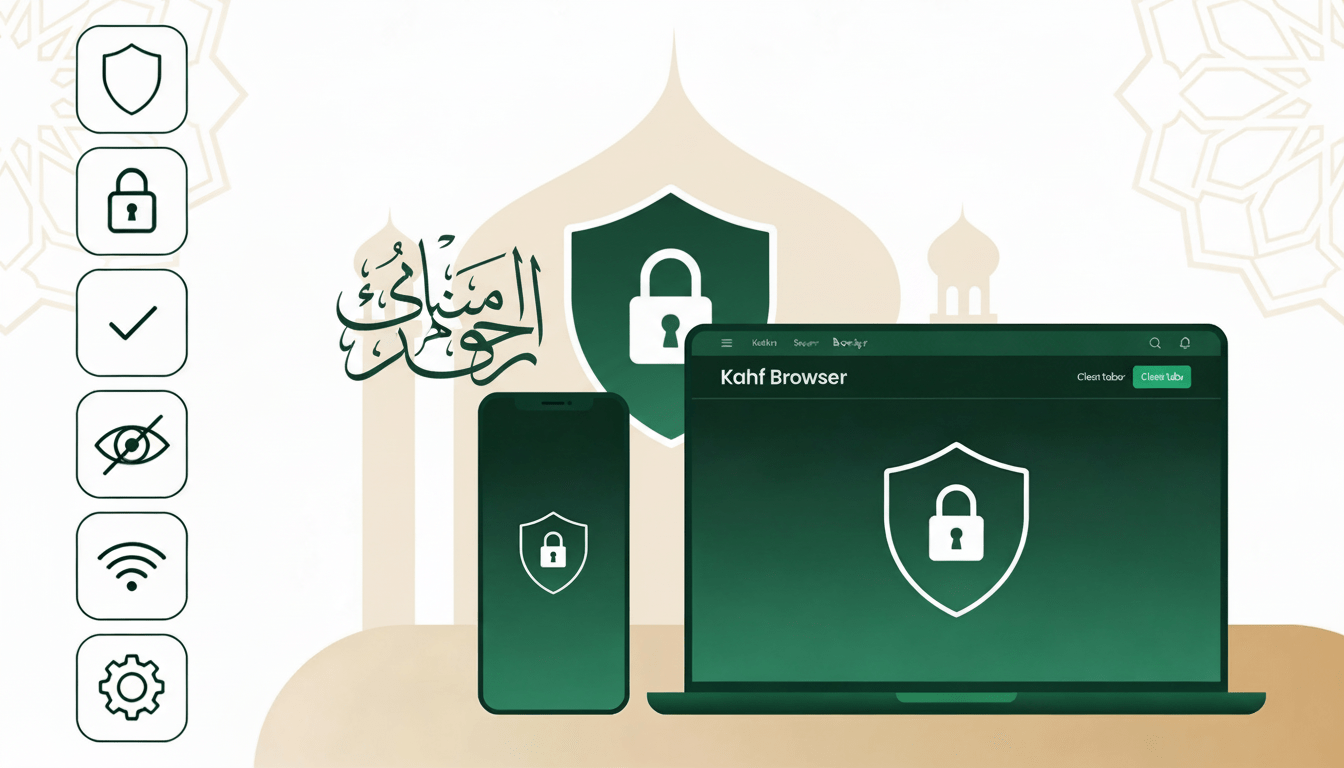
From searching for any information to using social media, you have to enter unknown websites every day. Hackers keep getting into these websites. Harmful malware and viruses infect users’ devices and send users’ personal or confidential information to cybercriminals. Hence today’s tips on safe internet browsing.
What is Safe Browsing?
Simply, Safe Internet Browsing is the guarantee of using the Internet safely and securely. Where users will not have to fear personal information and financial information being stolen and unethical sites will not be accessible. Stay safe from digital risks like hackers, viruses, spammers, phishing etc. A little caution can help us keep our information and personal security while using the Internet.
Additionally, Safe Browsing will block all types of negative hidden sites. No one can easily access these pornography channels even if they want to. Indecent messages, inappropriate pictures, unethical chats are blocked in Safe Browsing. Safe Browsing must be suitable for children. So that no immoral matter is presented in front of them. Rather, they can visit educational sites through safe searching and learn a lot. Parents should be aware of this.
Why is Safe Browsing Important?
The more dependent we are in today’s digital world, the more threats we face. These threats disrupt our personal and professional lives.
We upload many personal pictures, videos, and memories on our personal profiles on social media. In addition, more personal information is attached to the profile.These sensitive data of ours are at risk of being stolen at any time which can be misused in various negative cases. Even a hacker group can take a huge amount of money by keeping important information hostage.
Threats may come more in the case of professionals or organizations.Database hacking can lead to theft of confidential information of financial transactions. Malicious viruses and manual software can infect computer hard disk drives.
An important question, how secure is the browser we are using?
Because, if the browser is not secure, then your important information goes to the third party. Our notorious hackers and cybercriminals are the third parties who always take information from your little mistakes. To be honest, our carelessness is their main tool. So, it is very important to be careful. Therefore, the security of the browser must also be ensured.
First, users have to ensure the security of their Browser to protect themselves from viruses and harmful malware. If the browser is not secure, malicious software can easily attack our devices and hack or destroy important files and data.
As we know, malware or viruses can be destroyed by using anti-virus. But, if we increase browser security to prevent malware from entering, then there is no need to destroy viruses. That is, undoubtedly prevention of harmful substances is better than compensation. That’s why browser safety is much more important to ensure safe browsing.
Simple Steps to Ensure Safe Browsing

1. Secure Internet Connection
If you want to stay safe on the internet, firstly you need a secure internet connection while many users don’t know about this. And so most people use mass or public Wi-Fi connections in cyber cafes, restaurants, airports or railway stations. This should also be done if necessary. Sometimes the security of public Wi-Fi networks is not that strong. For this reason, personal information (like: email address, social media account ID with password, bank account details etc) can be at any risk. And so when using the Internet in public Wi-Fi or cyber cafes, you must use a virtual private network or VPN. Cybercriminals can’t easily collect users’ data in VPNs because they are coded or encrypted and exchanged.
2. Strong Password
Email, social media accounts must use strong passwords to stay safe online. Passwords of at least six characters must be used to strengthen account security. The longer the password, the more secure it is. However, the password cannot be given in combination with the name of your loved one or favorite animal or object. Passwords must contain uppercase and lowercase letters as well as multiple numbers and symbols. In addition to using strong passwords, account security must use two-level security (two-factor authentication).
3. Use of Updated Operating Systems, Browsers and Software
Computers and mobile phones must use up-to-date operating systems, browsers and software to stay safe online. It may sound surprising but it is true. Because, up-to-date operating systems, browsers and software security systems are very strong. As a result, it plays a role in preventing attacks as well as warning users if there is a risk of cyber attacks while using the Internet.
4. Cautions and Precautions in Information Exchange
Many of us post personal or corporate images or information on various social networking sites or messaging services. In addition to acquaintances, strangers also get to know various personal information. As a result, cybercriminals can use the images or data to carry out cyber attacks. Once the account is hacked, all the information and photos can be taken over by cybercriminals. And so to be safe, it is better not to exchange any information and pictures online that may compromise personal security. In addition to this, the data on the computer and mobile phone should be stored on a pen drive, separate hard disk, cloud or any other medium. As a result, important information will be safe even if it is subjected to a cyber attack.
5. Do not click on phishing links
Cybercriminals send messages to e-mails and social networking sites that offer various lures and benefits to fool users, known as phishing attacks. They try to steal important information through phishing attacks. So avoid clicking on links in emails sent from unknown people or organizations.Because clicking on the links automatically.
Harmful malware can enter computers and mobile phones and steal users’ information and money. And so you should refrain from clicking on any link exchanged on various social networking sites, including e-mail or Facebook.
6. Warning on Download
Many people download and use apps or software made by unknown organizations from various websites or stores online. But through this, cyber criminals can launch cyber attacks by inserting malware into mobile phones or computers. And so be careful while downloading apps or software. Apps cannot be downloaded from unknown and illegal sources. At the same time, you should refrain from downloading apps or software that allow the use of various parts of the mobile phone or computer without the need.
How to Safe Browse with Kahf Guard?
- Hides Inappropriate Photos
“Kahf Guard” is such a safe browser that automatically hides indecent images while browsing the web. So you don’t have to feel uncomfortable while browsing the web.
- Safe Search
Ensures your safe search. If you search any halal topics, only those topics will come here. Suggestion of any haram topics will not be allowed.
- Block Harmful Websites
Websites containing viruses and malware are automatically blocked so that they do not harm users’ devices. So internet users can safely browse the web through “Kahf Guard”
- Block Ads and Hackers
Blocks unnecessary and annoying advertising sites. Besides, necessary measures have been taken so that various hackers cannot send 0various suspicious links or attempt hacking.
- Safe for Kid
As “Kahf Guard” blocks unpleasant, indecent and prohibited sites, and hacking sites also cannot access it, this website is safe for children. Parents can rest assured about this.
Based on the above discussion, we can say that although there are risks and threats in every step in the Internet world, we can avoid the risks if we take some appropriate steps. And also by using halal tools like “Kahf Guard” we can assure ourselves and our family and friends of a safe internet.