
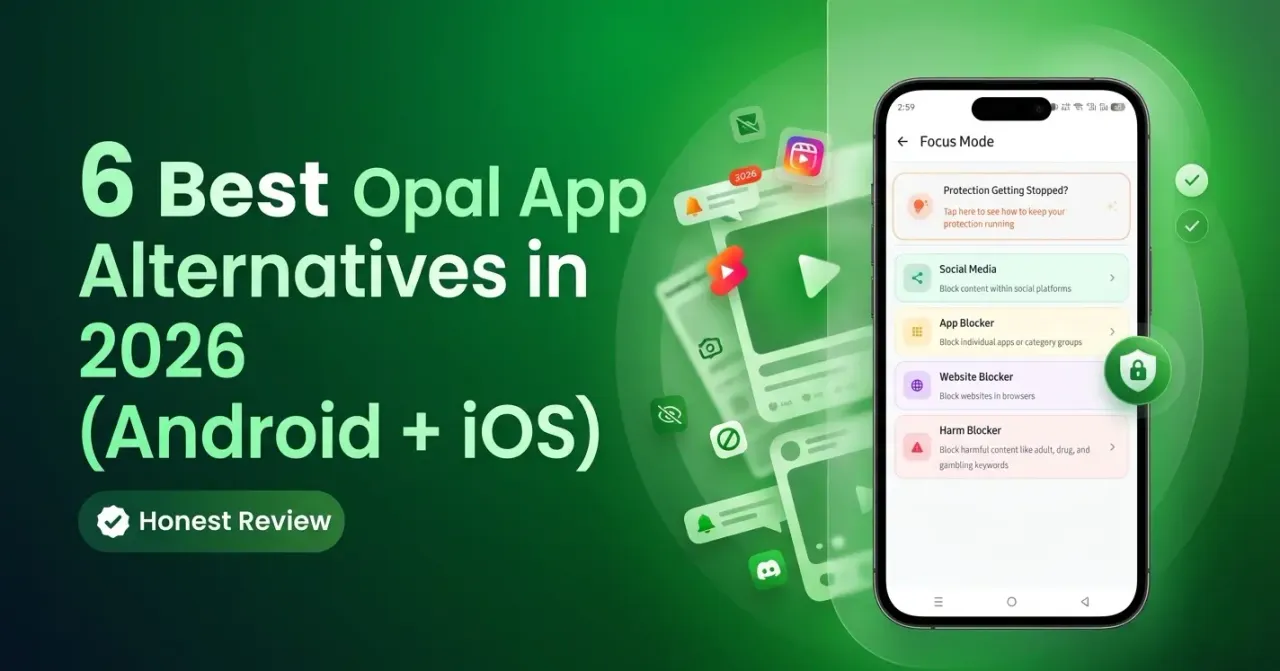
6 Best Opal App Alternatives in 2026 (Android + iOS)
Quick Verdict
Kahf Guard emerges as the strongest alternative to Opal for Android users and Muslim families. While Opal built its reputation on elegant iPhone focus tools, it falls short for users requiring Android support, anti-bypass protection, harmful-content blocking, and household-level safety features.
The core issue: “Opal’s Android story still lags behind its iOS experience. The Android app exists, but it does not deliver the same level of control, and it still asks users to pay premium pricing for a weaker product.”
The Real Problem with Opal’s Android App in 2026
Three critical weaknesses define Opal on Android:
- Weaker blocking method — Relies on accessibility-based approaches rather than deeper iOS-style integration
- Feature gap — Important iOS features feel more mature and reliable on Apple devices
- Premium price, limited value — Pricing reflects a premium product without delivering premium Android experience
For Muslim users specifically, Opal lacks haram-content filtering, DNS-level protection, household internet shielding, and family-centered features necessary for long-term digital protection.
What to Look for in an Opal Alternative
Effective alternatives should offer:
- Strong Android support — Reliable, difficult-to-bypass experience
- DNS-level protection — Blocks harmful domains before they load
- Content filtering — Covers adult sites, gambling, unsafe search results
- Parental controls — Remote management and child-specific rules
- Pricing and free value — Fair pricing with meaningful free options
- Values alignment — Support for faith-based digital wellness
#1: Kahf Guard (Best Overall)
Best for: Android, iOS, and Muslim families
Kahf Guard solves a broader problem than Opal by creating protected digital environments through DNS-level filtering, safer browsing controls, and family-aware features across devices and home networks.
Key strengths:
- DNS-level filtering (5.5M+ harmful domains blocked)
- Built-in haram-content filtering and Salah-aware features
- Parental controls and household protection
- Android + iOS + Router coverage
- Lower yearly cost ($48/year) than Opal’s premium pricing
Still evolving:
- Desktop apps for Windows and Mac remain in development
- Some selective in-app social blocking features stronger on Android than iOS
#2: Freedom (Cross-Device Focus Pick)
Best for: Cross-platform productivity blocking
Mature cross-device experience across Mac, Windows, iPhone, and Android. Strong for professionals seeking focused work sessions.
Limitations: Built for productivity, not digital protection. No DNS-level filtering, family-safe infrastructure, or faith-aligned content protection.
#3: BlockerX (Recovery-Focused Option)
Best for: Porn-recovery communities
Useful for users wanting community-oriented recovery frameworks around pornography addiction with accountability features.
Limitations: Less strong protection model than DNS-based approaches; less suitable for broader family safety.
#4: StayFree (Analytics-First Option)
Best for: Free screen-time analytics
Appeals through charts, usage breakdowns, and flexible tracking tools for self-awareness about habits.
Limitations: Analytics without protection. No DNS-level blocking, haram filtering, or family controls.
#5: ScreenZen (Friction-Based Choice)
Best for: Mostly-free behavioral approach
Adds friction before opening distracting apps — gentler than hard blocking, effective for interrupting impulsive behavior.
Limitations: Friction differs from protection. Won’t satisfy users with serious habits or family filtering needs.
#6: AppBlock (Budget Android Scheduler)
Best for: Affordable Android routines
Functional, affordable scheduling of app blocks and deliberate phone routines for Android users.
Limitations: App-level distraction control only. No DNS-based filtering, faith-aware protection, or household coverage.
Side-by-Side Comparison
| Tool | Best For | Android | iOS | Content Filtering | Parental Controls | Price |
|---|---|---|---|---|---|---|
| Kahf Guard | Muslim users, families, protection | Full | Full | DNS-level, haram categories | Yes | Free tier + lower premium |
| Opal | Premium Apple-first focus | Limited | Strong | Minimal | Very limited | High premium |
| Freedom | Cross-platform focus | Yes | Yes | Limited | No | Lower than Opal |
| BlockerX | Porn-recovery support | Yes | Yes | Recovery-oriented | No | Premium-heavy |
| StayFree | Usage analytics | Yes | Yes | No filtering | No | Strong free value |
| ScreenZen | Behavioral friction | Yes | Yes | No | No | Mostly free |
| AppBlock | Budget Android scheduling | Strong | Weaker | No | No | Affordable |
Which Alternative Should You Choose?
- Kahf Guard: Stronger Android blocking, family-safe filtering, haram-content protection, complete alternative
- Freedom: Cross-device focus sessions across laptop and phone
- BlockerX: Pornography recovery with community or accountability tools
- StayFree: Study behavior first through usage data and analytics
- ScreenZen: Prefer friction over strict lockouts on tight budget
- AppBlock: Need simple, affordable Android scheduling without deeper filtering
For Muslim users and families, Kahf Guard stands as “the only product in this group that combines content filtering, family protections, faith-aware features, lower pricing, and meaningful Android strength in one place.”
Frequently Asked Questions
Does Opal have an Android app in 2026? Yes, but the Android experience remains more limited than the iPhone version that built Opal’s reputation.
Is Kahf Guard better than Opal on Android? For most Android users, yes — stronger protection model, broader filtering, family features, and better value.
Can I use Kahf Guard and Opal together? Yes. Some iPhone users prefer Opal for session focus while using Kahf Guard for ongoing protection and family-safe filtering.
Is Kahf Guard only for Muslims? No. While designed with Islamic values, its filtering and parental controls benefit any household wanting a protective internet environment.
Which alternative is best for parental controls? Kahf Guard — goes beyond screen-time routines into content filtering, child-specific management, and household protection.
Why is Kahf Guard’s free tier more meaningful than Opal’s? It provides real, ongoing protection rather than only short-lived paid product taste.
Final Conclusion
Opal deserves credit for polished iPhone focus features, but many users seek more than “a more beautiful way to pause Instagram.” They need stronger blocking, safer browsing, child protection, and values-aligned digital environments. Kahf Guard delivers this broader protection model with real filtering, family-safe tools, and clearer answers for Muslim households. For that problem set, Kahf Guard represents a superior product category, not merely an alternative.